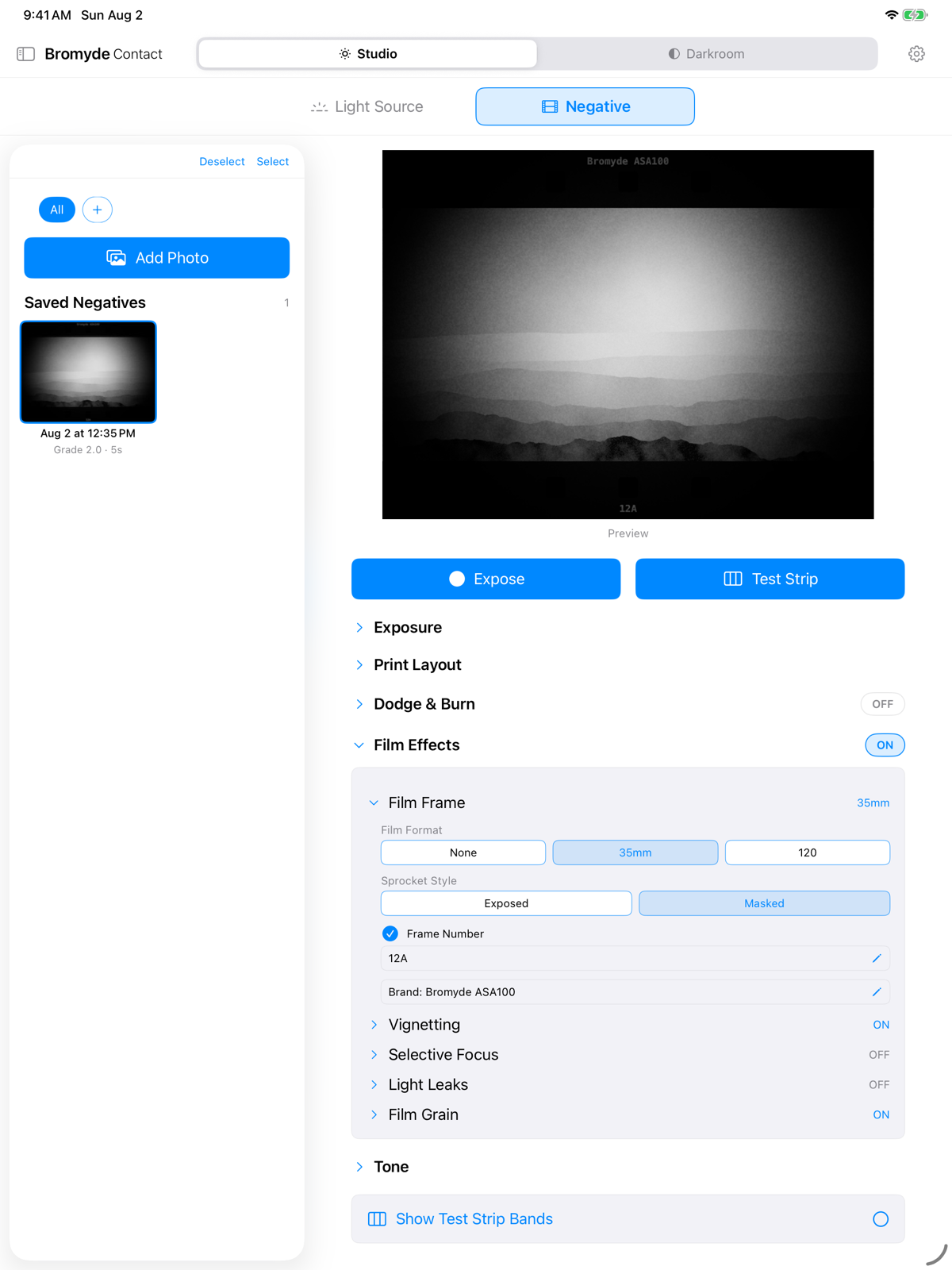
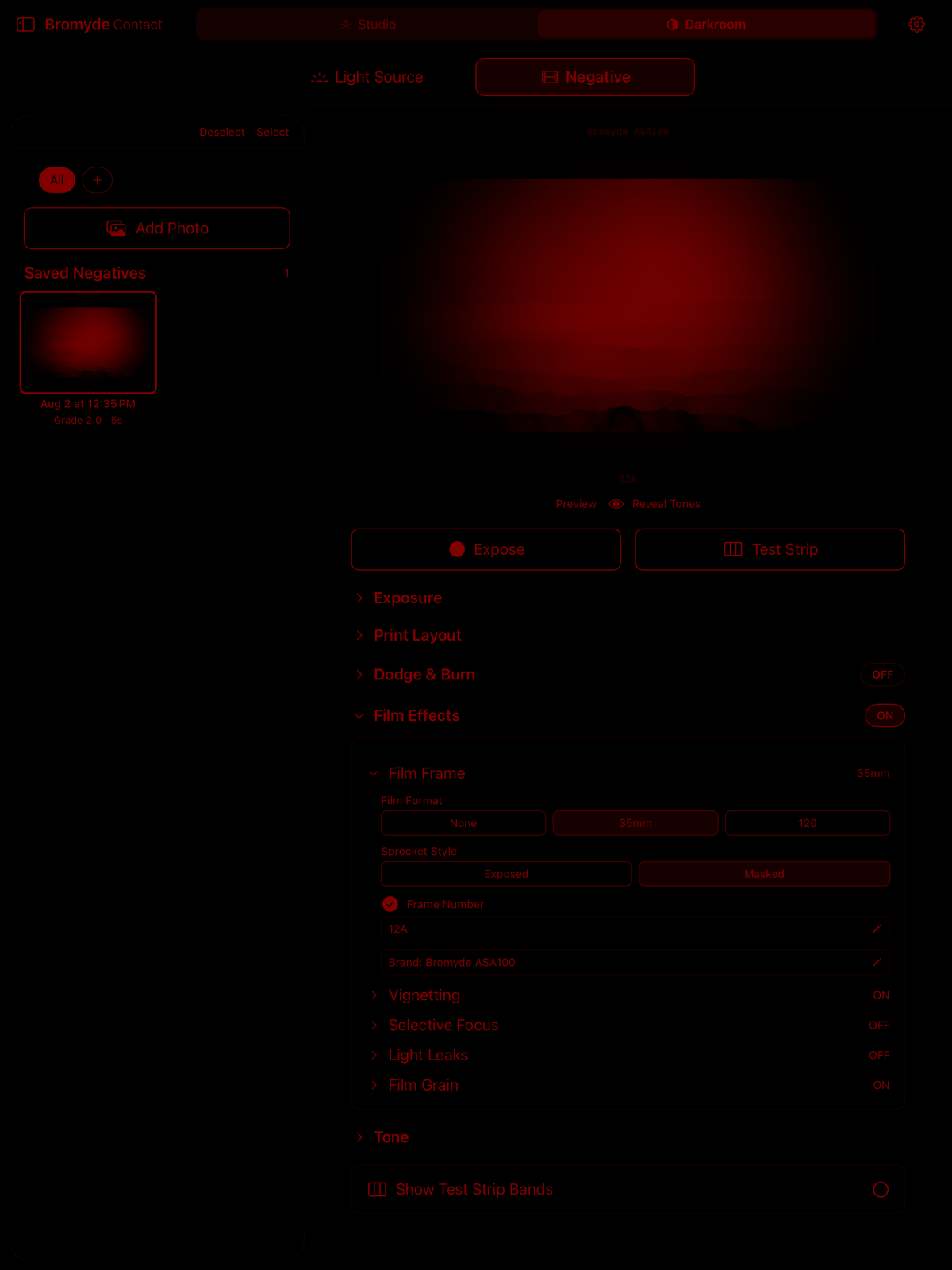
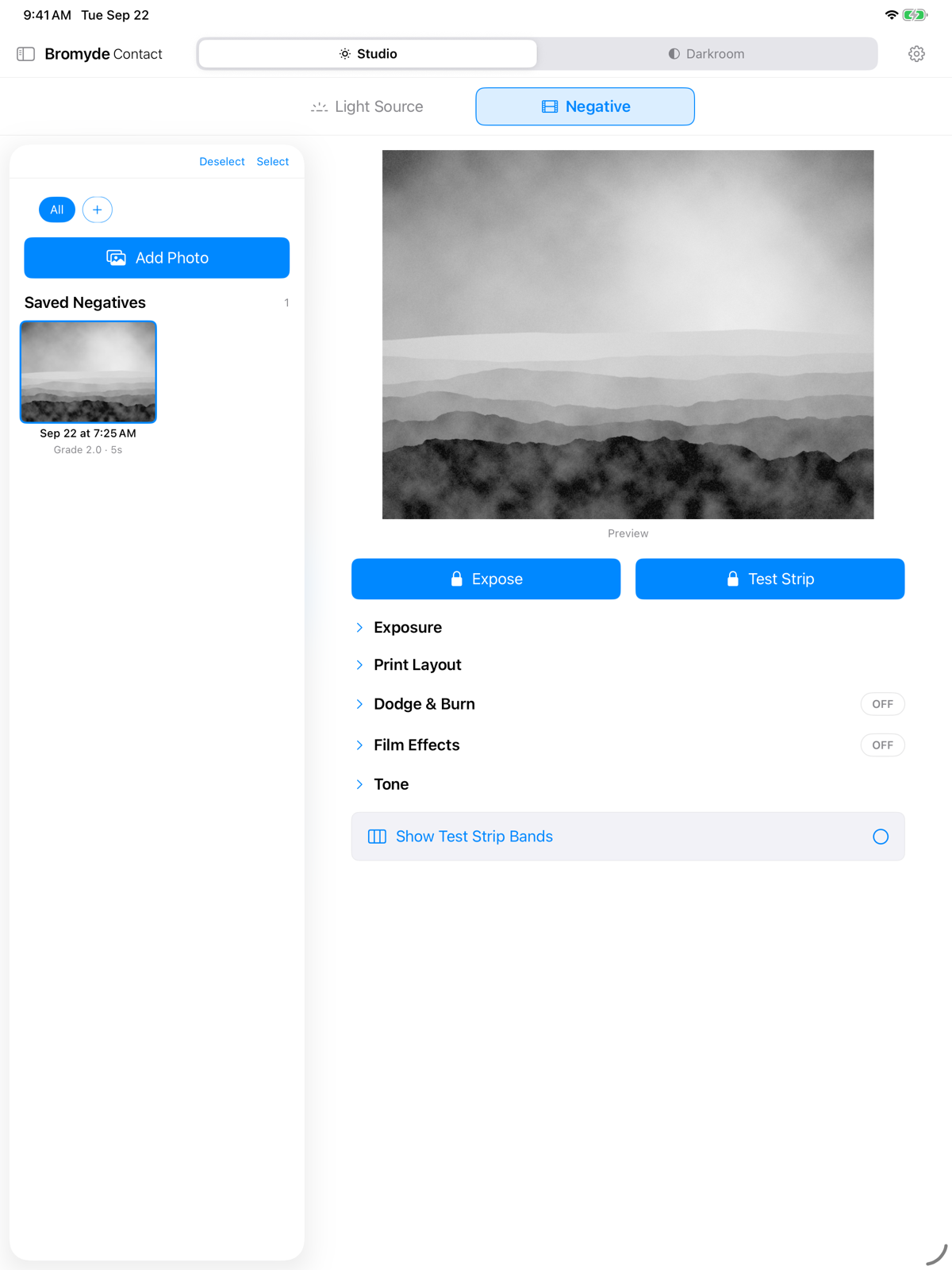
The screenshots below follow the Studio / Darkroom toggle at the top of the page.
Light Source mode
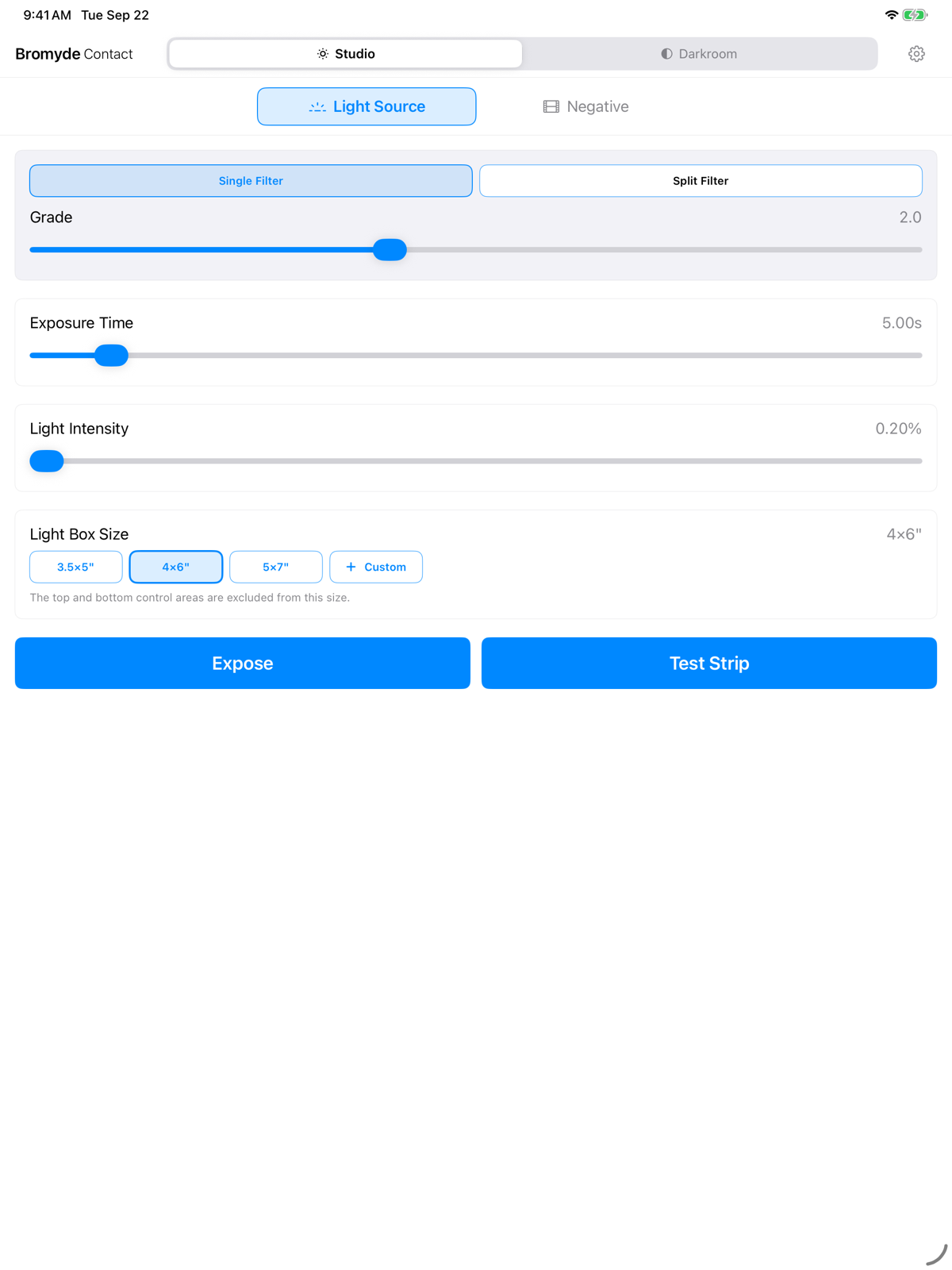
In Light Source mode the screen is the light. Lay a film negative on the glass, put the paper on top, and expose. The lit area matches the paper size you select, including custom sizes.
Without a negative, the same light gives a solid exposure at any contrast grade for photograms, lumen prints, or paper tests.
Digital negatives and the cover glass
Choose any image from your photo library and Bromyde Contact displays it on the screen as a negative, sized to your paper. The app calls this a digital negative. There is no transparency film to print.
The paper sits on the iPad's cover glass, so light diffuses slightly across the glass thickness before reaching the emulsion. The result softens fine detail, close to what a plastic-lens camera like a Holga or Diana does, and it suits the same kind of image.
A glass-compensation sharpening control counteracts the diffusion. Turn it up for the sharpest print the glass allows, or turn it down and keep the soft rendering.
Single grade or split
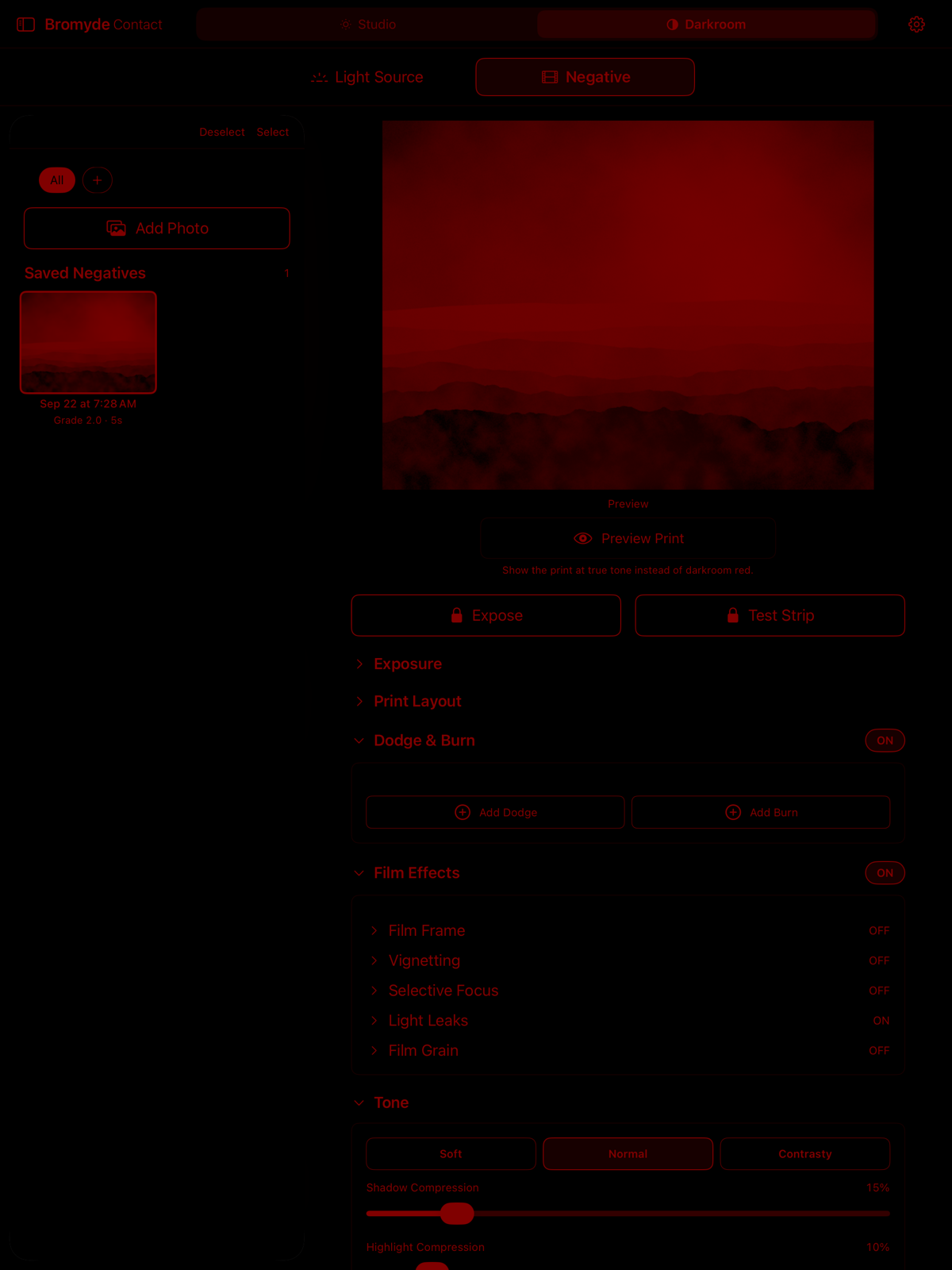
Print with a single contrast grade from 0 to 5, or build a split-grade recipe: a lower and a higher grade, with the share of exposure given to each. The lower grade always exposes first, and the app shows the seconds for each pass.
Soft, Normal, and Contrasty presets set shadows, midtone contrast, and highlights independently, and every control stays adjustable. The presets were refined against printed test targets on both OLED and LCD iPads.
Test strips
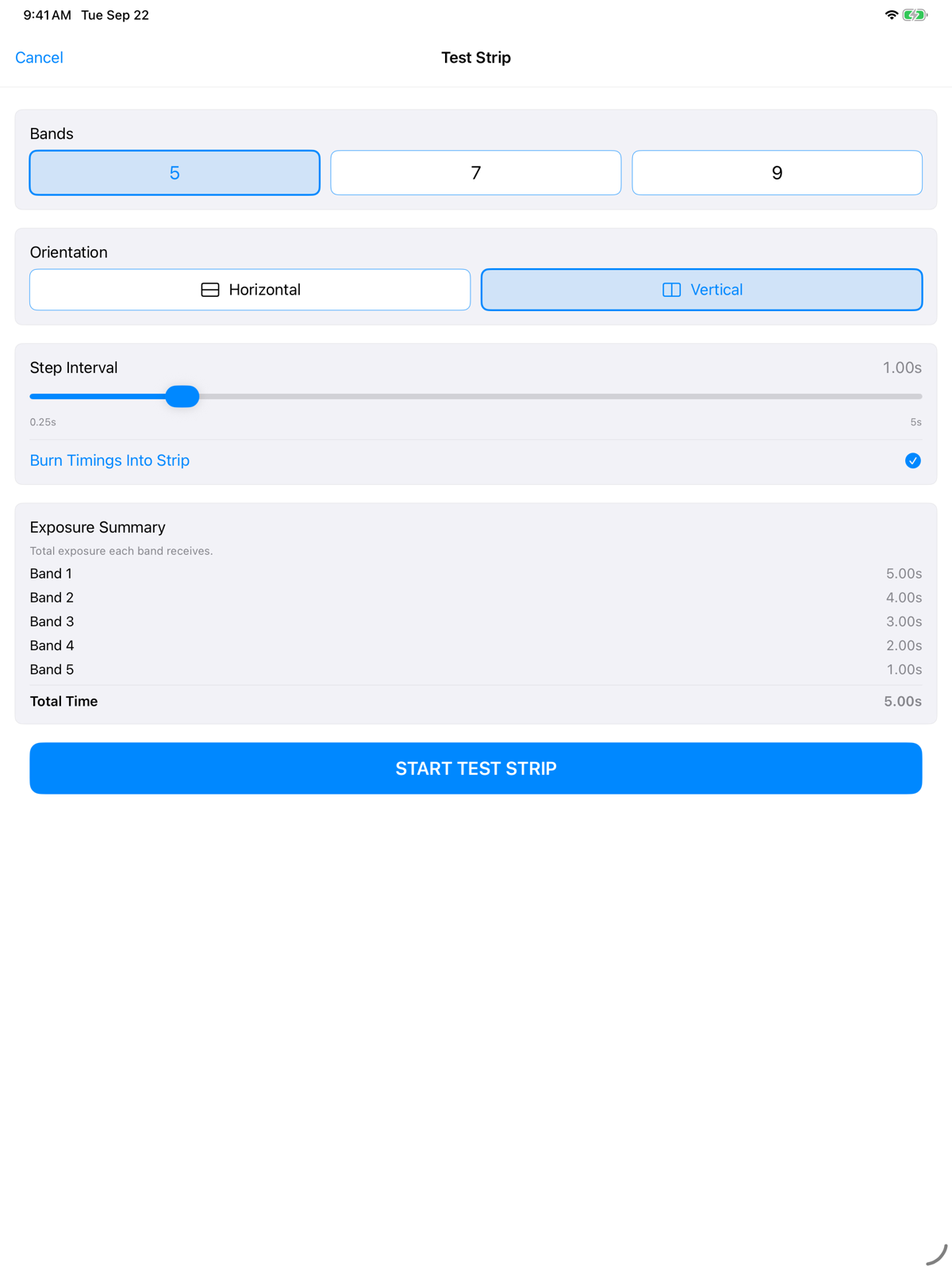
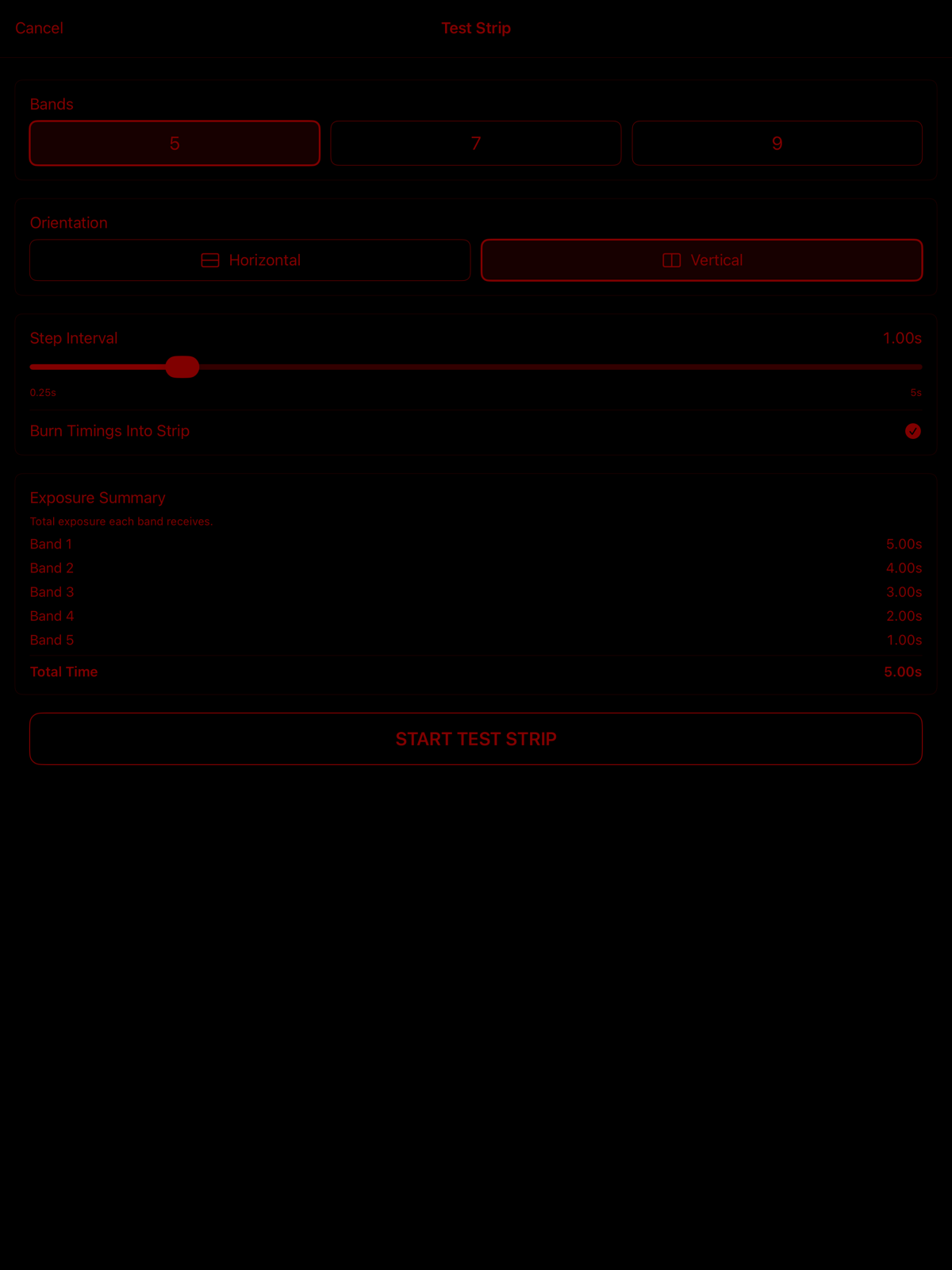
Run an automated test strip at 5, 7, or 9 bands, laid out vertically or horizontally. Each step reveals the next band and holds the step interval, from 0.25 to 5 seconds, so the developed strip carries a known cumulative time under every band. The timings can be burned into the strip itself.
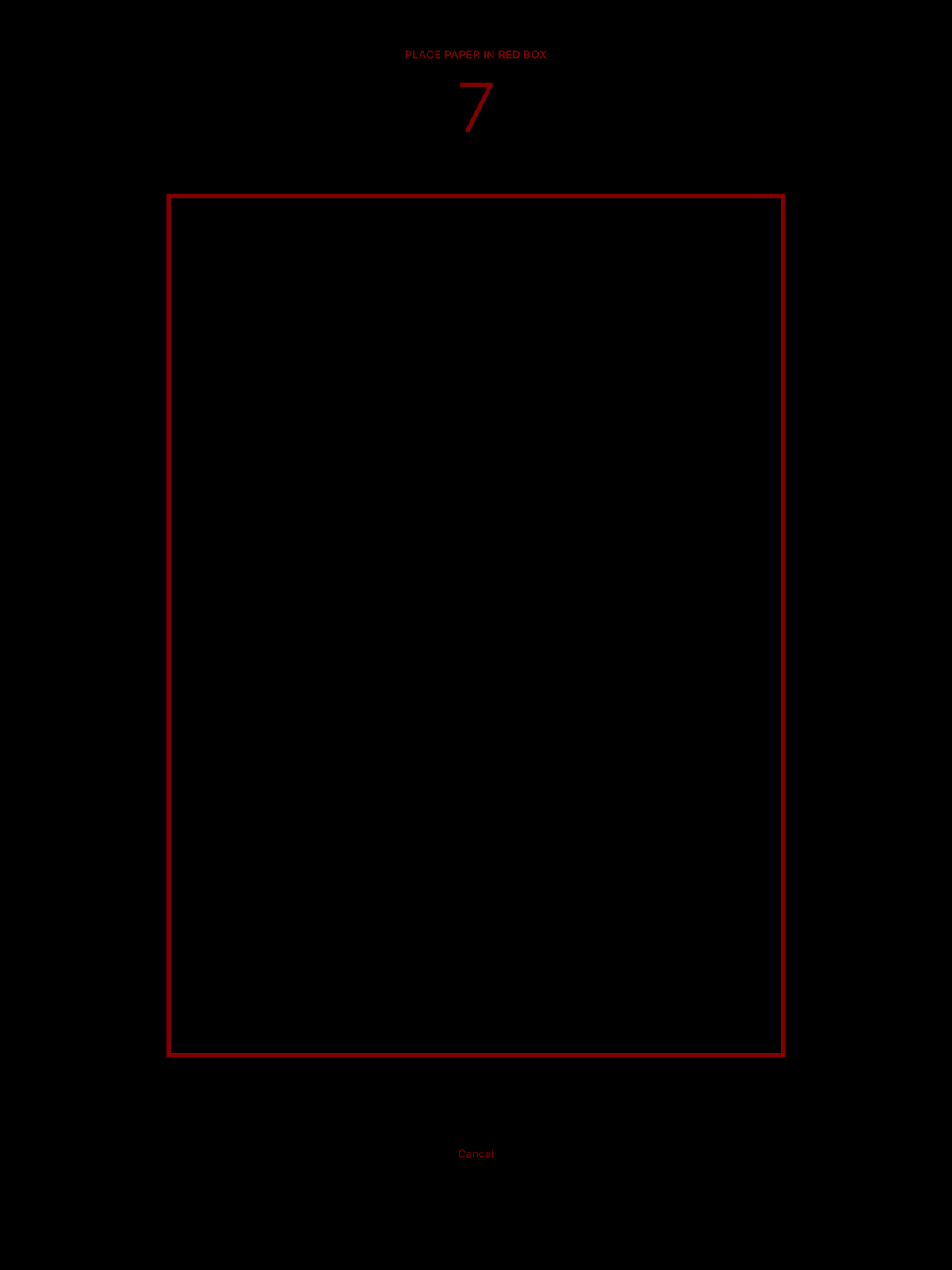
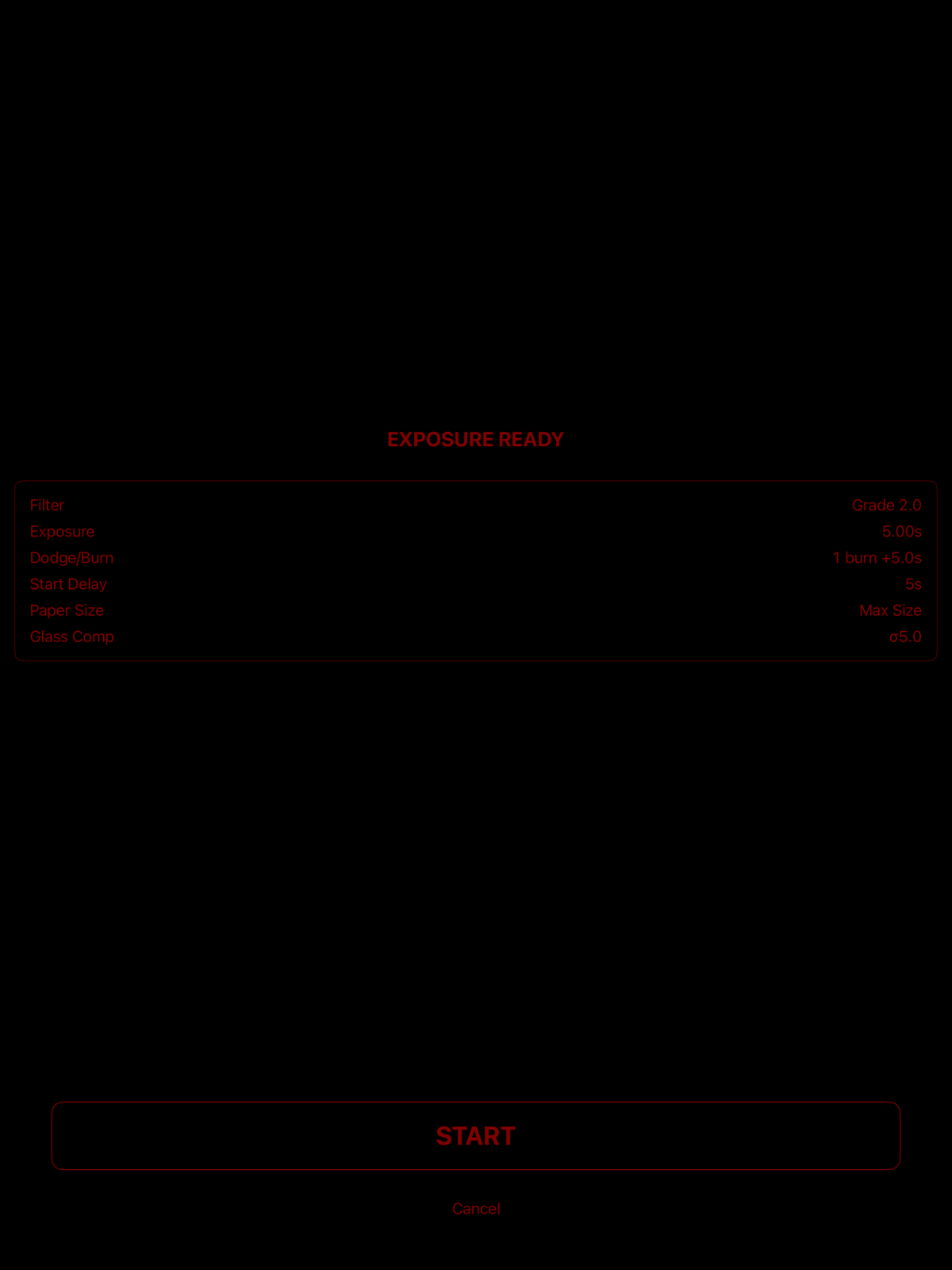
Test strips run in Light Source mode with a film negative on the glass, or from a digital negative. Start Delay gives you 0 to 30 seconds to place paper after you tap.
Dodge and burn
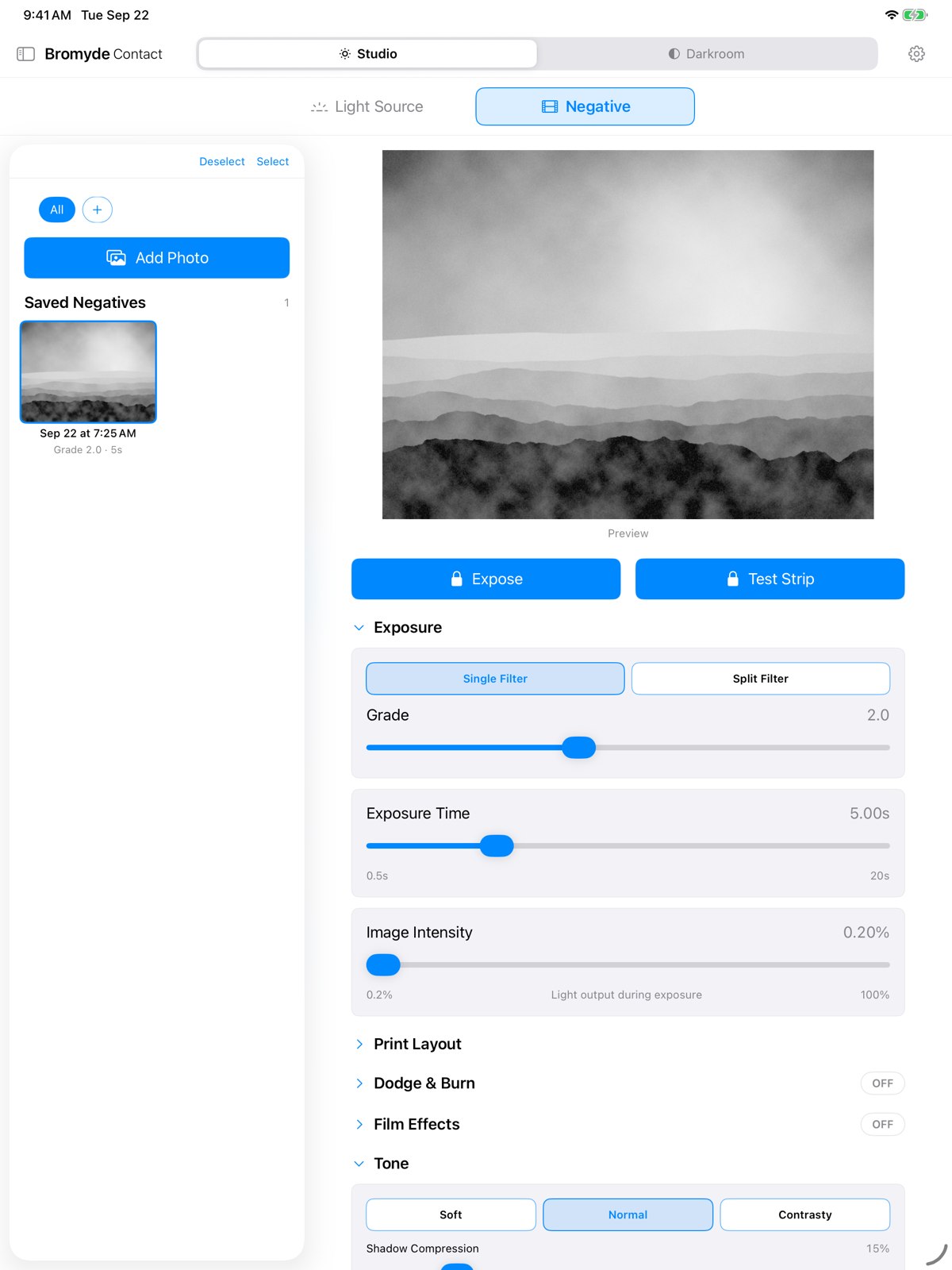
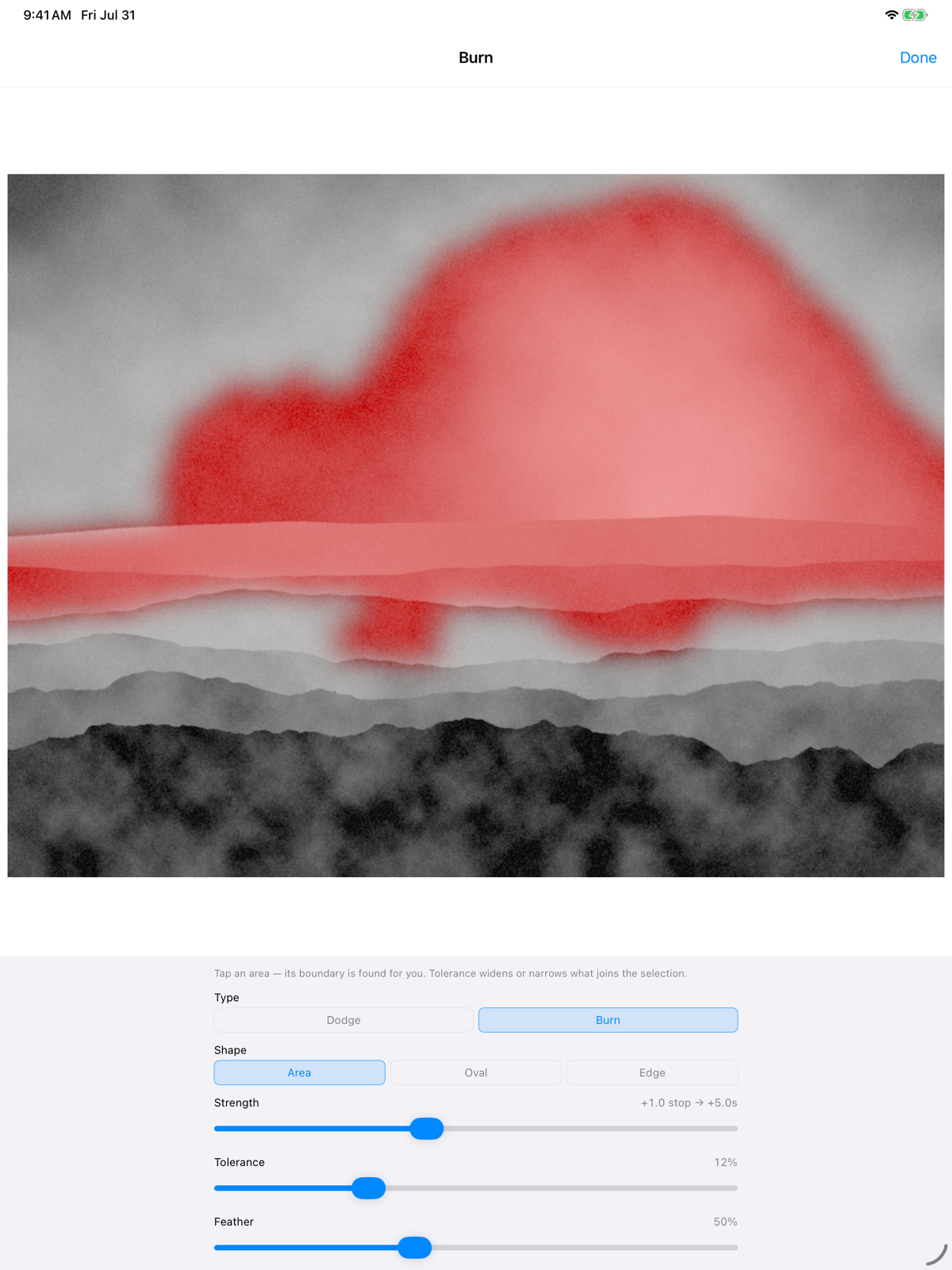
Dodge and burn are set in stops. Dodging holds light back during the base exposure. Burning adds a separate timed exposure, and the app shows the added seconds.
Tap an area and Bromyde can find its boundary, or work with an oval, an edge gradient, highlights, midtones, or shadows. On-device subject detection can protect the main subject or select it alone. The app also suggests regions likely to print paper white or block up to solid black, and you can edit those suggestions.
Film frames and effects
Frame the image as 35mm or 120 film, with exposed or masked sprockets, rebate, edge markings, editable frame numbers, and your own film-brand text.
Grain, vignette, selective focus, and a light leak you position yourself are also available. Every effect is optional and adjustable.