A darkroom on glass
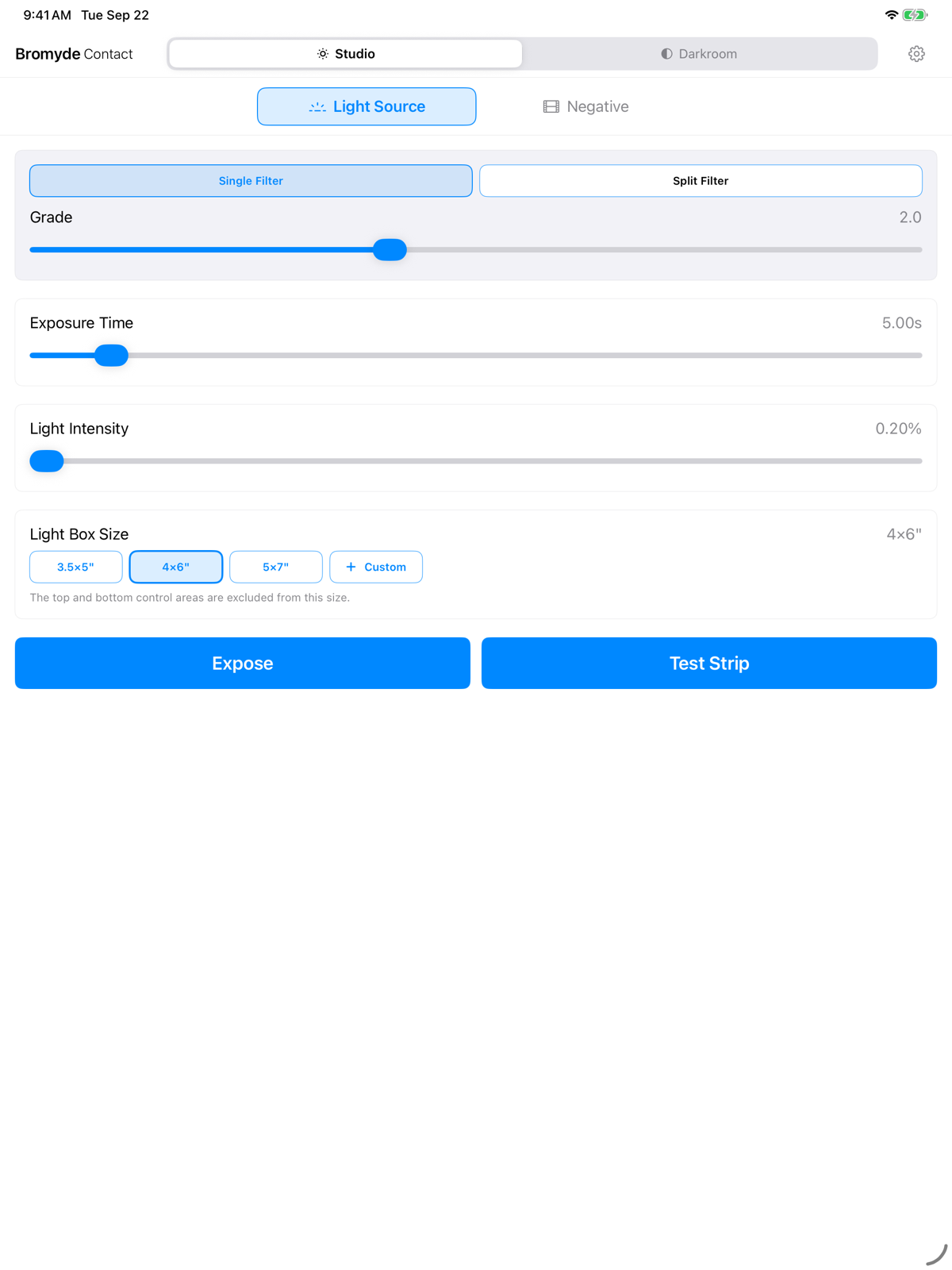
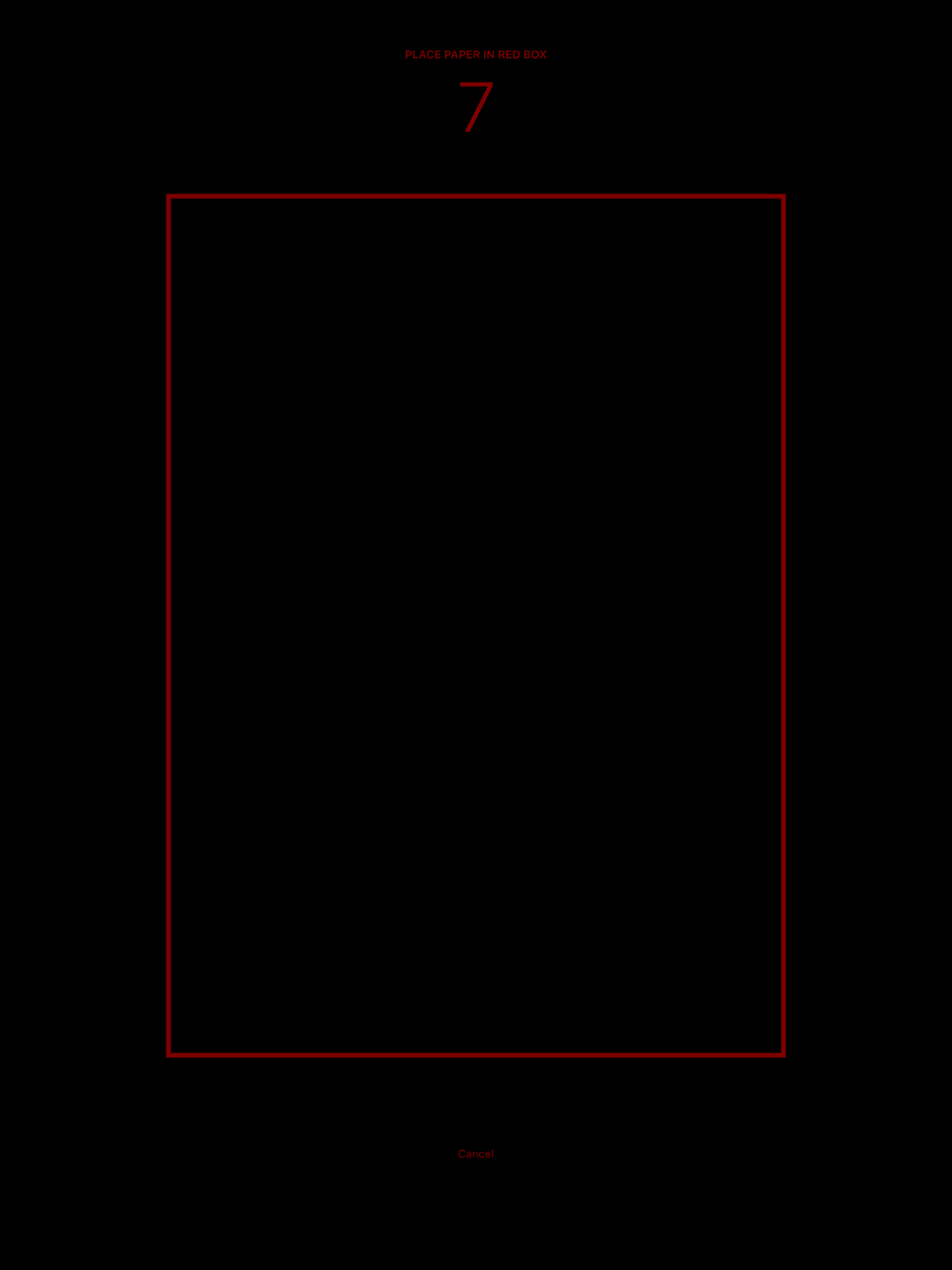
The iPad screen becomes the light source. Place a real film negative on the glass and photographic paper on top, and contact print at exact 1:1. The light area is sized to your selected paper, including custom sizes.
The screen can also act as a plain light source: set a solid exposure at any contrast grade and use it for photograms, lumen prints, or paper tests. No enlarger needed.
Beautiful imperfection
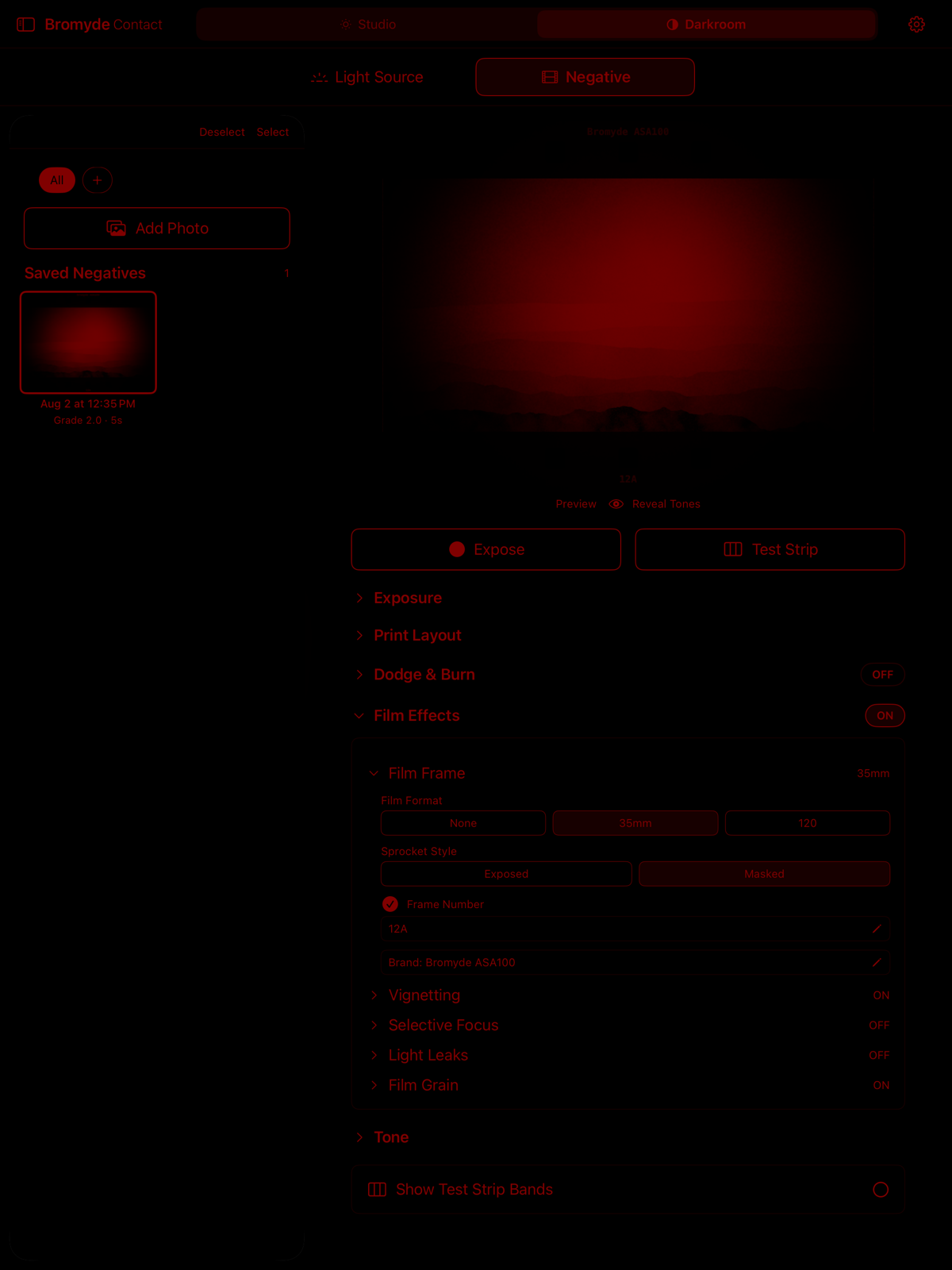
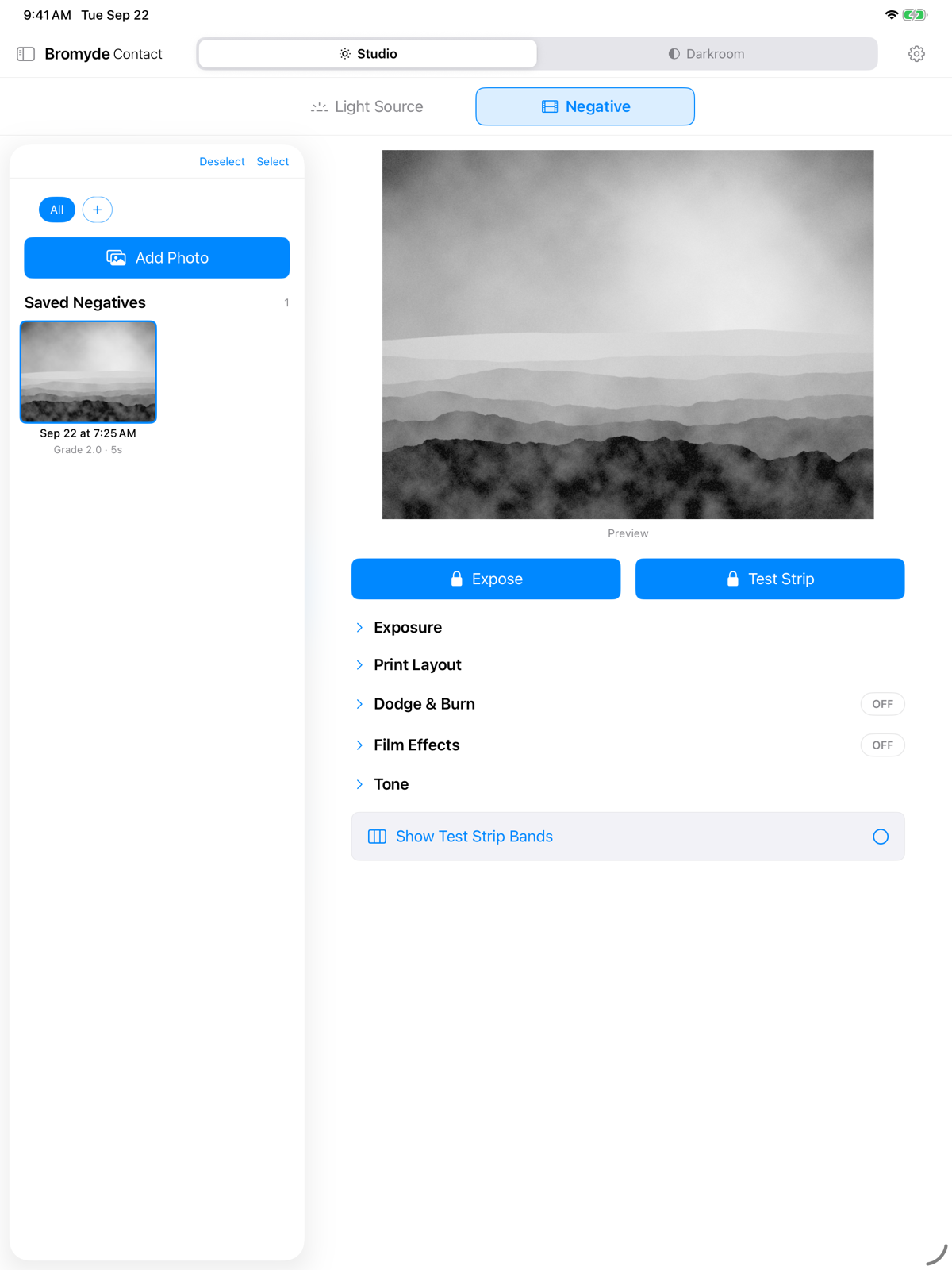
Pull any image from your photo library and Bromyde Contact turns it into a digital negative to print. No film, no scanner.
The paper sits on the iPad's cover glass, so light diffuses slightly across the glass thickness before reaching the emulsion. The result softens fine detail, close to what a plastic-lens camera like a Holga or Diana does, and it suits the same kind of image.
A glass-compensation sharpening control counteracts the diffusion. Turn it up for the sharpest print the glass allows, or turn it down and keep the soft rendering.
Single grade or split
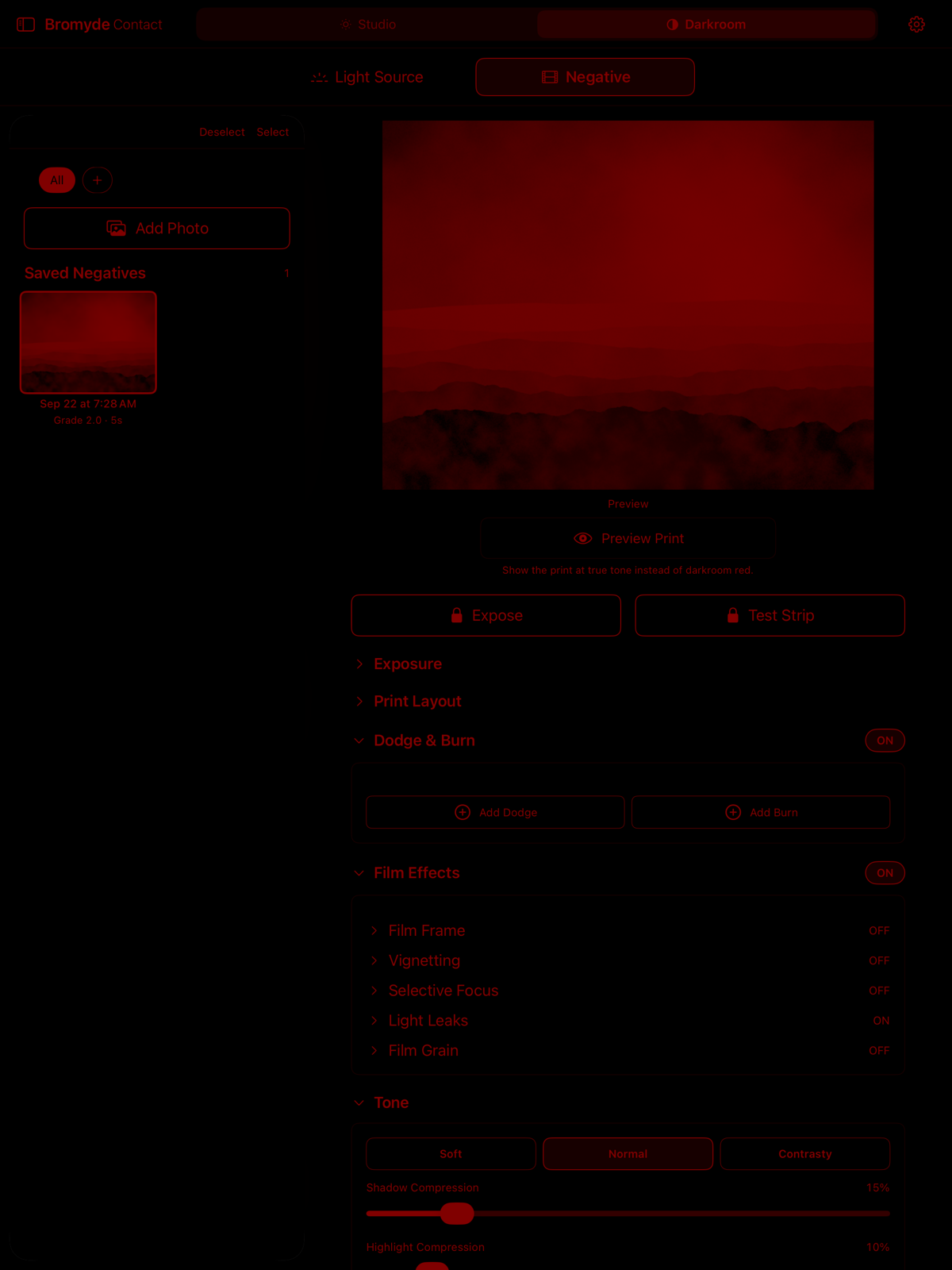
Print with a single contrast grade, or build a split-grade recipe: a lower and a higher grade, with the share of exposure given to each. The lower grade always exposes first, and the app shows the exact seconds for each pass.
Soft, Normal, and Contrasty presets set shadows, midtone contrast, and highlights independently, and every control stays adjustable. The presets were refined against printed test targets on both OLED and LCD iPads, so they start from paper rather than from a screen preview.
Find the time on paper
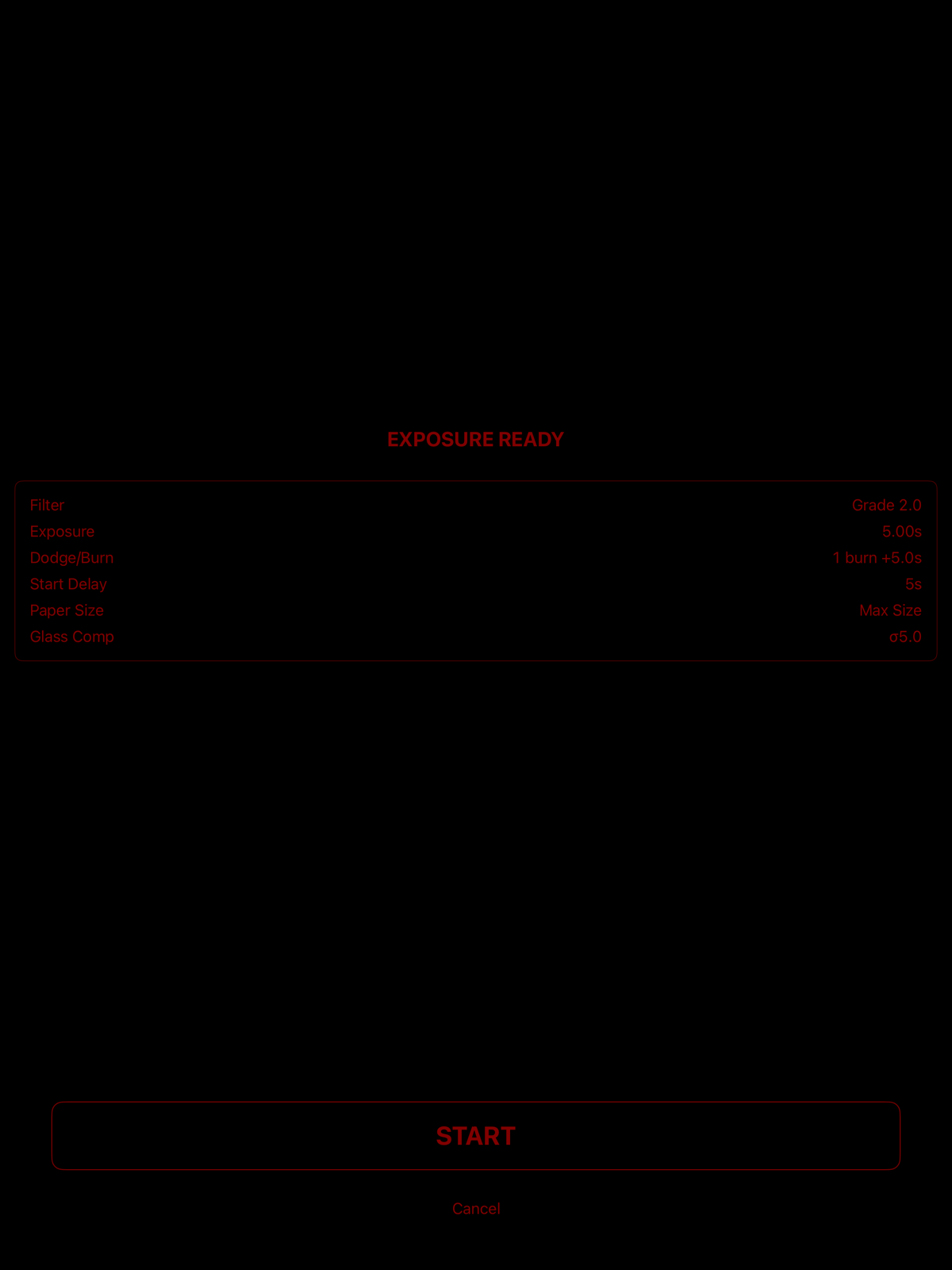
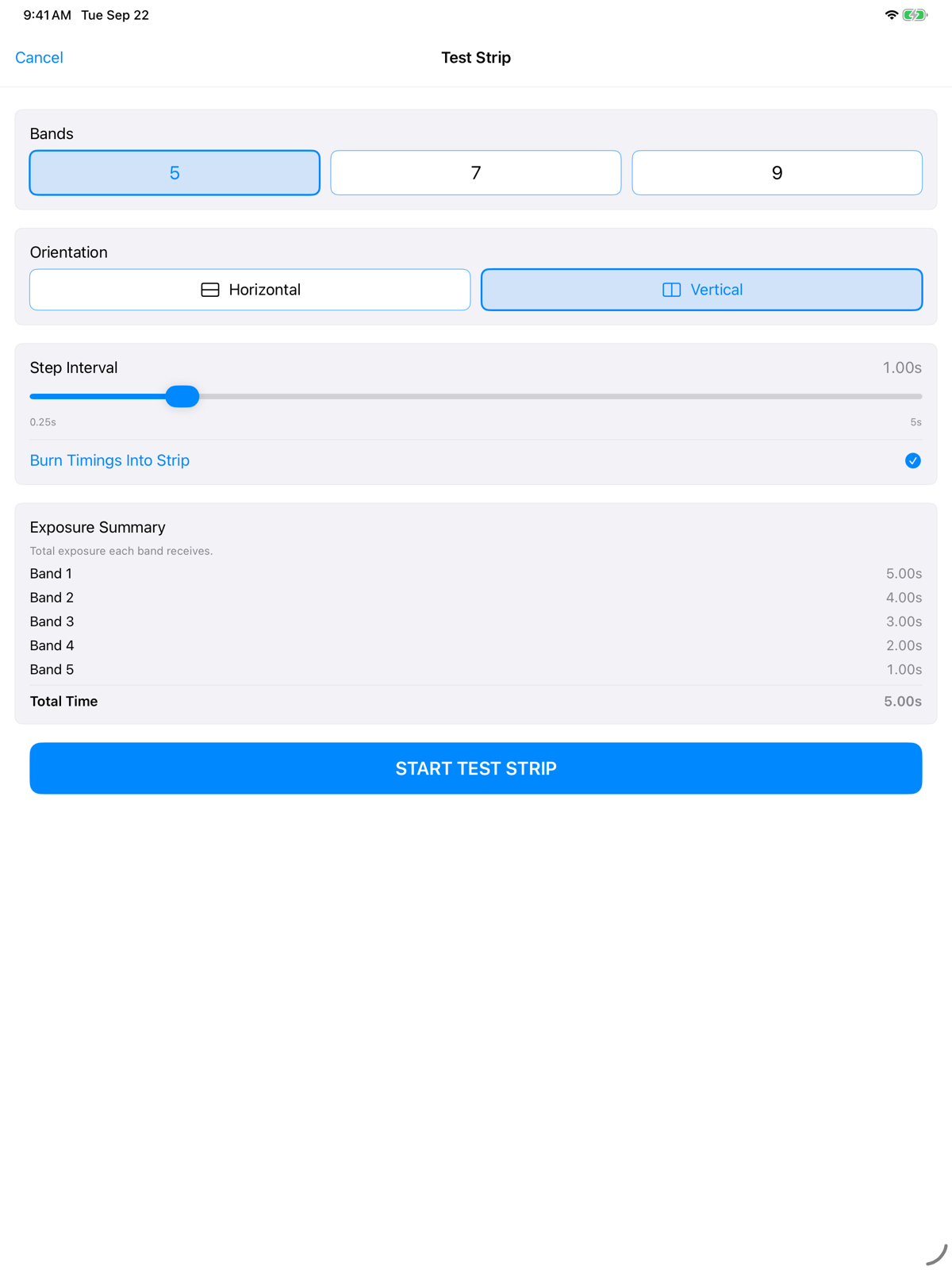
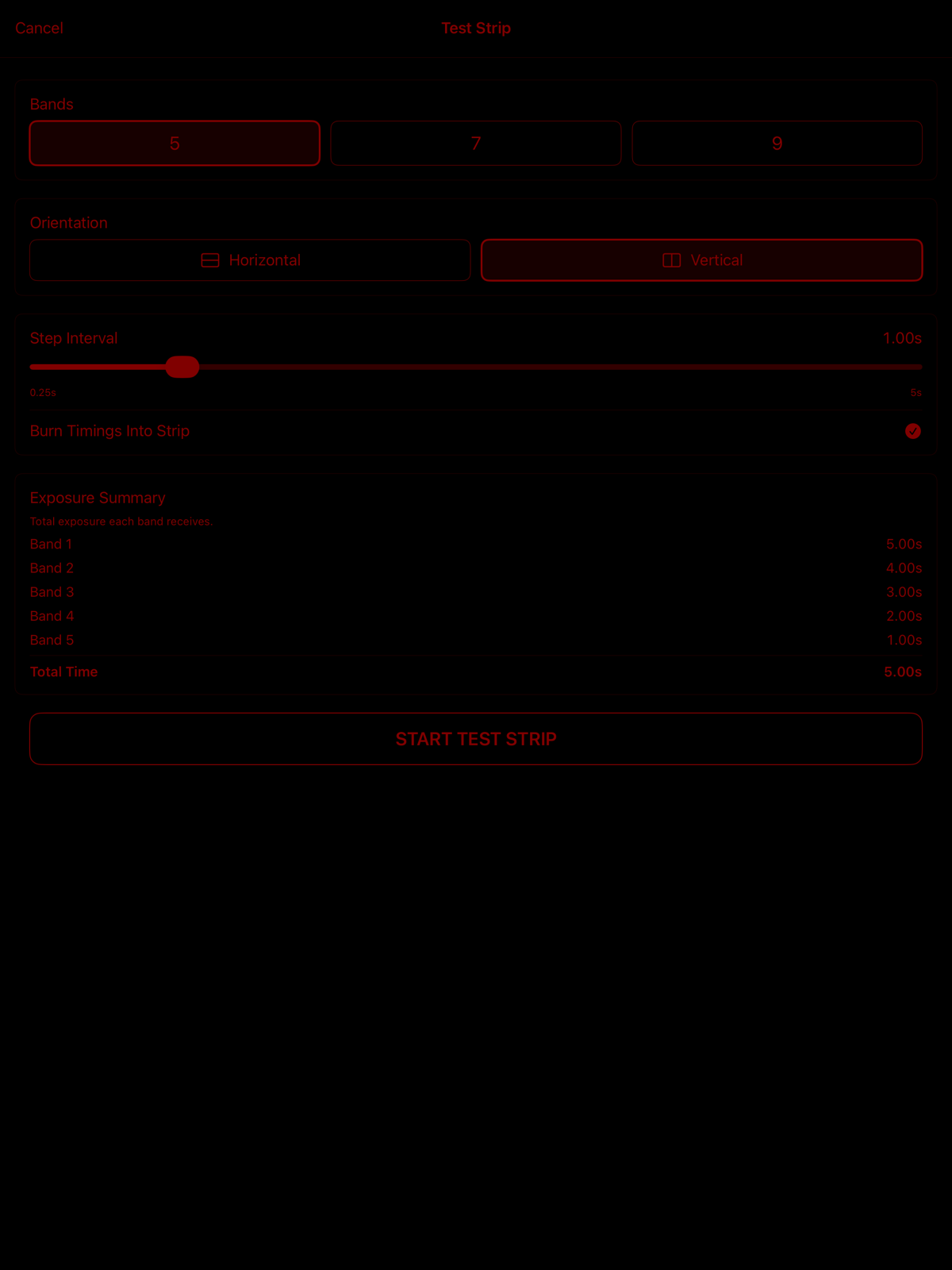
Run an automated test strip at 5, 7, or 9 bands, laid out vertically or horizontally. Each step reveals the next band and holds the step interval, from 0.25 to 5 seconds, so the developed strip carries a known cumulative time under every band. The timings can be burned into the strip itself.
Test strips run in Light Source mode with a film negative on the glass, and from a digital negative once Digital Negatives is unlocked. Start Delay gives you 0 to 30 seconds to place paper after you tap.
Dodge and burn, without the cardboard
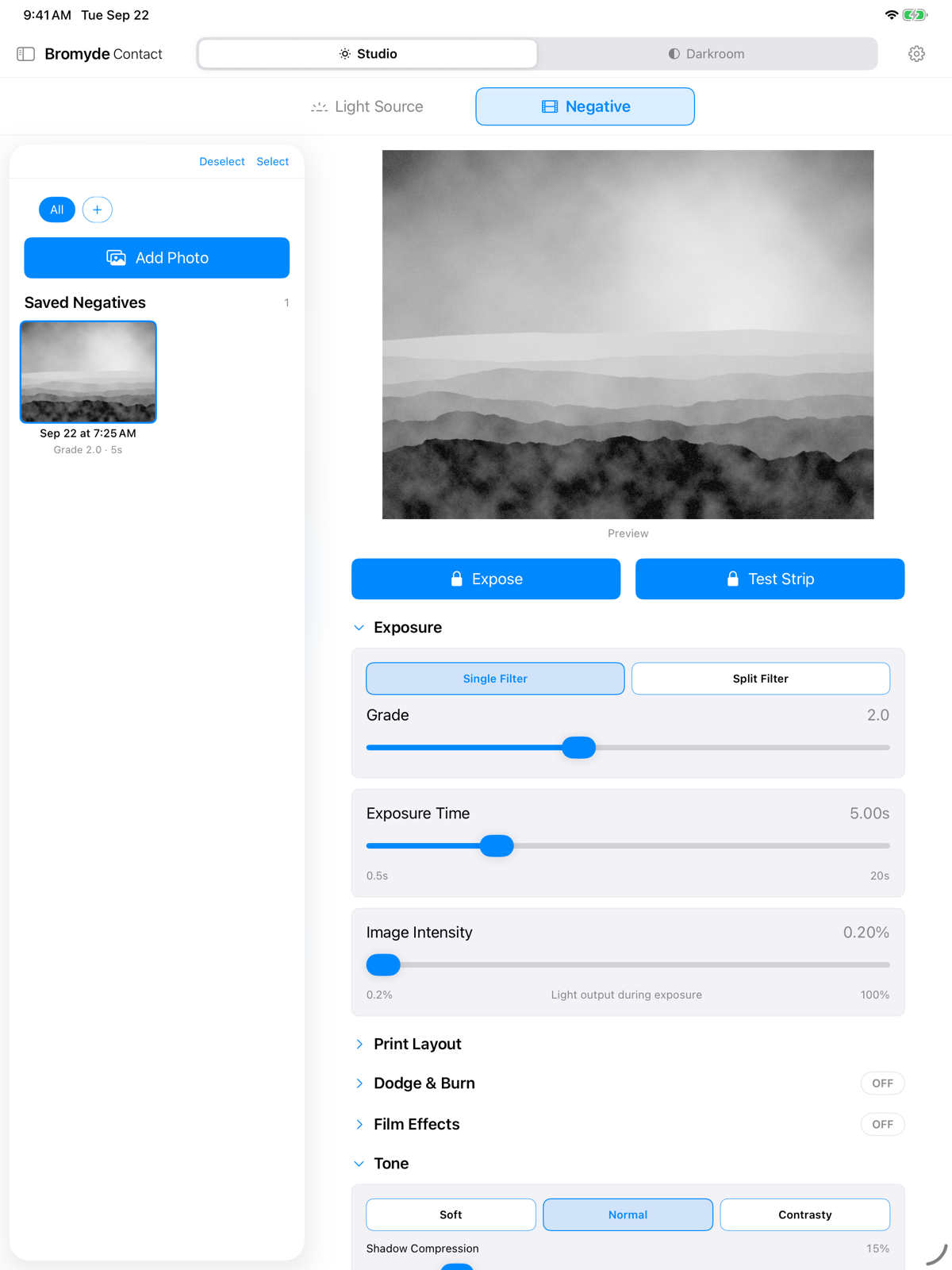
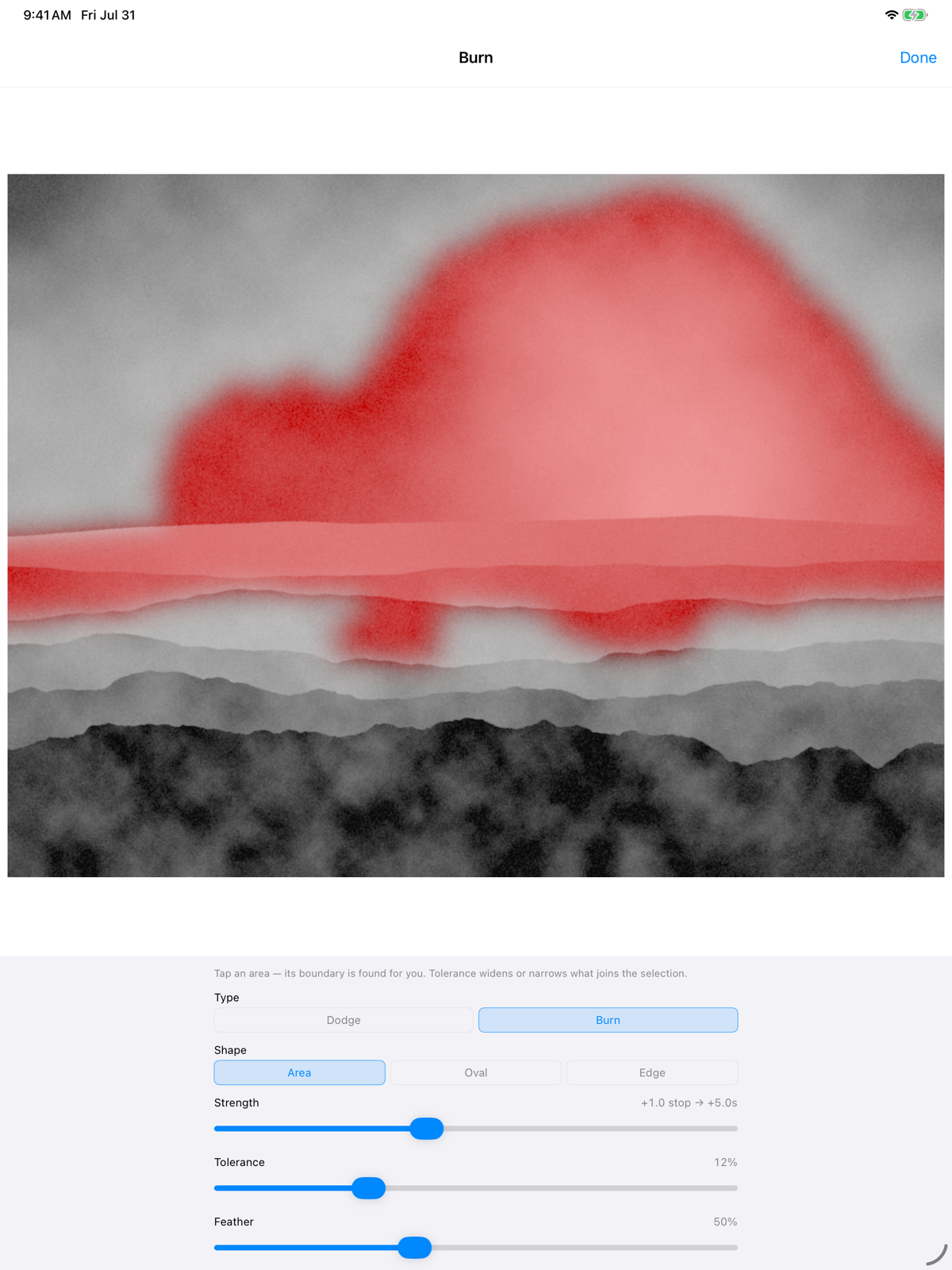
Shape the print with familiar darkroom moves measured in photographic stops. Dodging holds light back during the base exposure; burning adds a separate timed exposure, with the exact added seconds calculated for you.
Tap an area and Bromyde can find its boundary, or work with an oval, an edge gradient, highlights, midtones, or shadows. On-device subject detection can protect the main subject or target it alone, while editable suggestions flag regions likely to print paper-white or block up to solid black.
Make the print feel like film
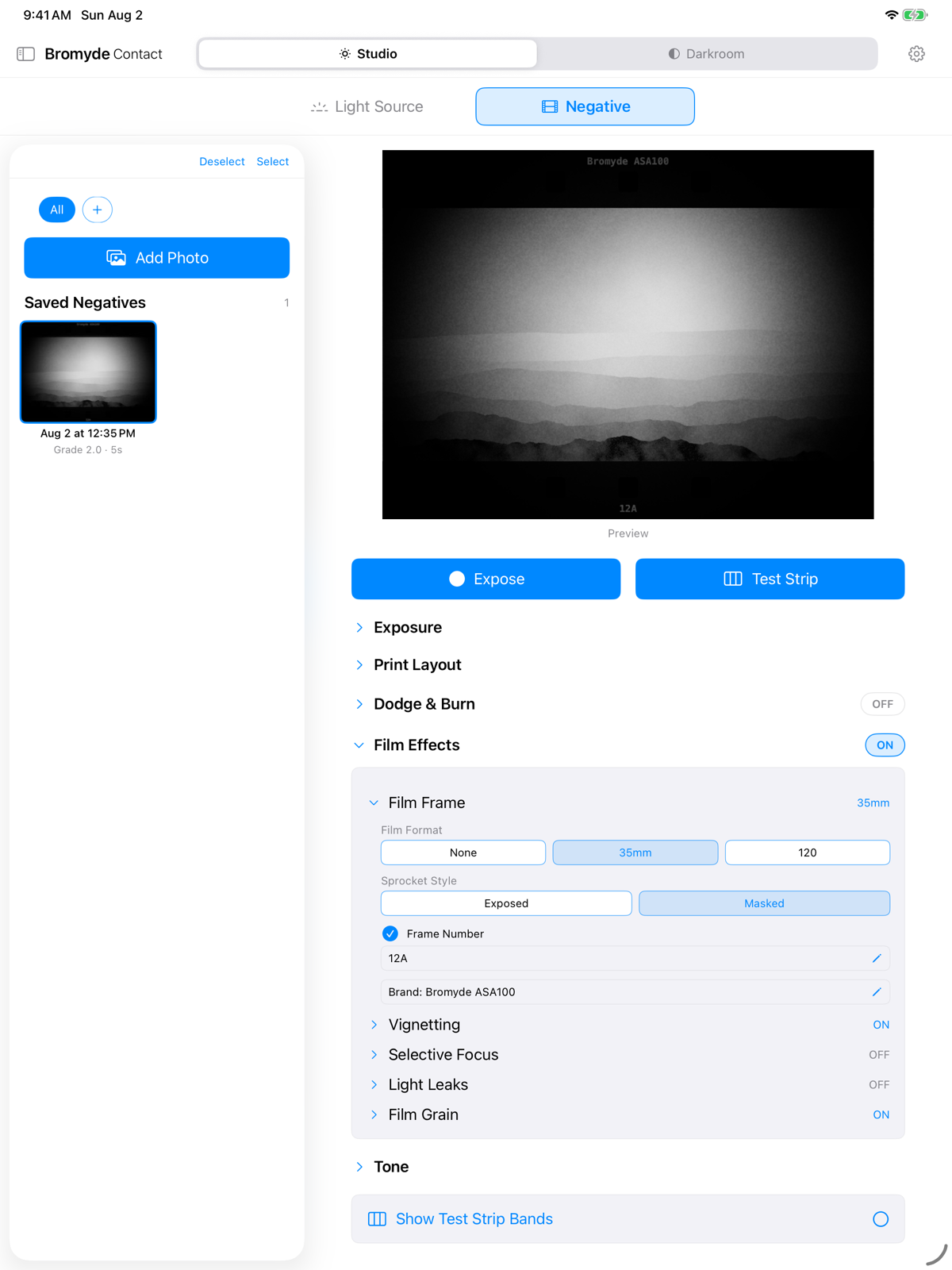
Frame the image as 35mm or 120 film, with exposed or masked sprockets, rebate, edge markings, editable frame numbers, and your own film-brand text.
Add grain, vignette, selective focus, or a light leak placed exactly where the image needs it. Every effect is optional and adjustable, so the print can stay clean or lean fully into the imperfections of an analog original.